VendorReach · getvendorreach.com
How to Use VendorReach (Property Managers)
Browse guide for finding local home-service vendors
Published ·Updated
What this portal is for
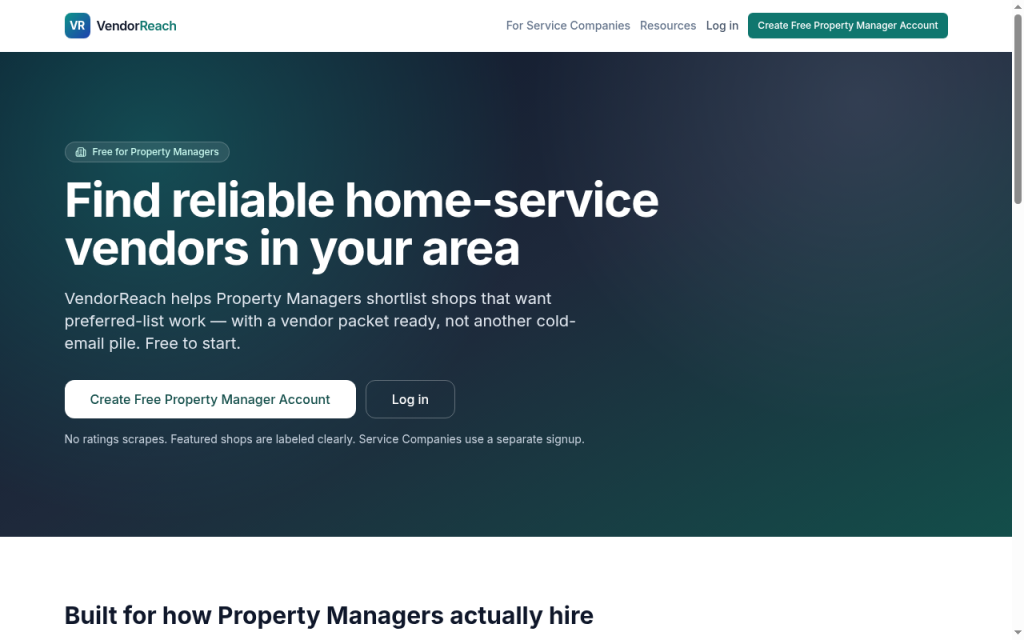
Use VendorReach when you need vendors in a metro and trade who are prepared for preferred-list work. You browse free, filter, review a vendor packet, and contact shops you want to evaluate.
You decide who joins your preferred list. VendorReach does not add vendors for you.
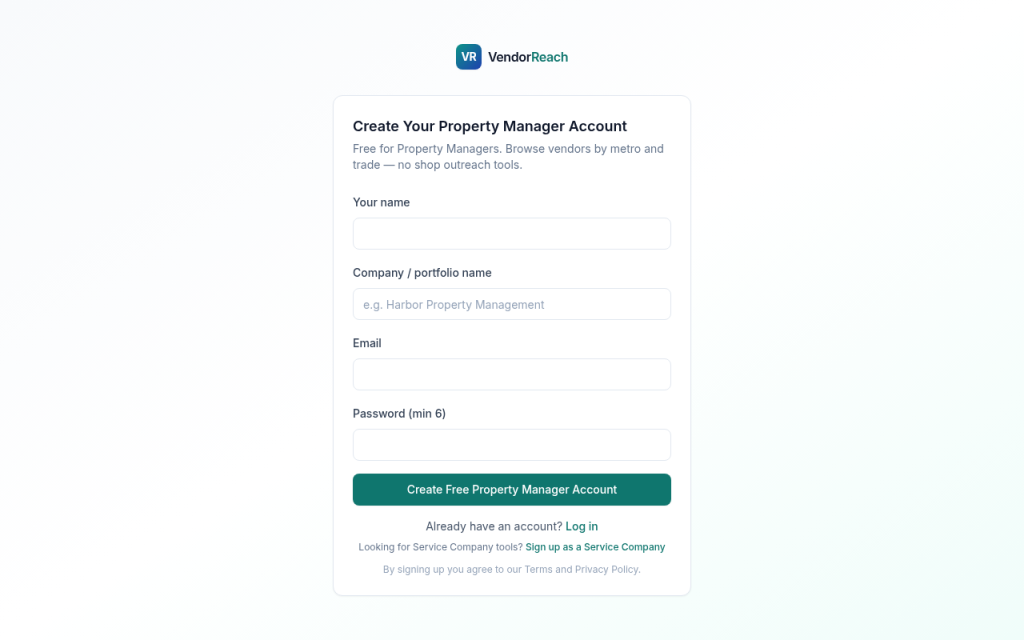
Use the Property Manager signup (more on the VendorReach for Property Managers page). Do not use the service company signup.
1. Create a free Property Manager account
- Open the Property Manager signup
- Create an account
- Enter company name
- Select metros you manage
- Note trades you need most (HVAC, plumbing, appliance repair, cleaning, roofing, and others)
- Confirm email if prompted and sign in
2. Browse and filter
- Open the vendor browse view
- Filter by metro
- Filter by trade
- Scan results for basic and Featured listings
Featured shops are labeled. Featured means the shop paid for visibility in that metro and trade. It is not a star rating and not a VendorReach endorsement.
3. Open a shop profile
On a profile, review:
- Company name and trade
- Metro / service area
- Contact path (email, phone, or form as provided)
- Vendor packet: license, insurance / COI note, service area, hours, W-9 reminder
If the packet is incomplete, ask for the missing items before you add them to your list—same as any new vendor.
4. Contact shops
Use the contact details on the profile.
Suggested first message:
- Your company name and metros
- Trade needed and typical work-order type
- Whether you need COI on file before the first job
- How you prefer to receive invoices and updates
Keep your usual vendor onboarding steps. VendorReach is the discovery layer, not your work-order system.
5. Request a vendor (when available)
If browse results are thin for a trade or metro:
- Submit a vendor request with trade, metro, and urgency
- Matching shops may be routed options
- Review packets the same way as browse results
This is meant to get you options—not to open an unfiltered pitch channel into your inbox.
What to expect
| Expect | Do not expect |
|---|---|
| Free browse by metro and trade | Scraped Google/Yelp star ratings |
| Featured shops labeled as advertising | Automatic addition to your preferred list |
| Packet fields shops chose to share | VendorReach verifying every license on your behalf |
| Separate door from service company outreach tools | A full replacement for your COI and W-9 process |
Service companies also use VendorReach to find Property Managers and run Campaigns. That outbound activity is on their side of the product. Your portal is for finding and evaluating shops.
Tips that save time
- Filter tightly by metro before you open profiles
- Require the same insurance limits you already use
- Save shops that respond quickly and document well
- Re-check Featured and new listings when you expand into a new trade
Troubleshooting
Wrong signup door
If the product asks for Campaigns, Templates, or Prospects lists, you are in the service company account. Sign out and create a Property Manager account instead.
Few results in my metro
Coverage is expanding. Try a nearby metro only if those shops actually service your properties. Use vendor request when available. You can also keep your existing referral channels—VendorReach is additive.
Incomplete packet
Contact the shop and request license and COI directly. Do not skip your standards because a field is blank.
Unsolicited email from shops
Shops may contact Property Managers using public business information through their own Campaigns. That is separate from your browse account. Use your usual spam and vendor filters. Report abuse to hello@getvendorreach.com if something looks wrong.